Every slide in its place.
Use the light table to arrange photos. Keep before-and-after pairs together, add captions, and choose how long each slide stays.
1234
 SequenceEarly access
Turn a screen into something worth watching. Arrange your photos, add a soundtrack, and let your story unfold exactly as you intended.
In testing now. Works with Roku, Google TV and Fire TV, plus any TV with a web browser. Which TVs?

Interactive example. Sequence plays any image you give it.
Use the light table to arrange photos. Keep before-and-after pairs together, add captions, and choose how long each slide stays.
Choose included lounge jazz, relaxing spa music, or nature sounds. You can also add your own MP3 soundtrack.
Show your photos, or explore artwork and illustrated nature collections. Choose viewing ratios, gentle movement, and eight transitions.


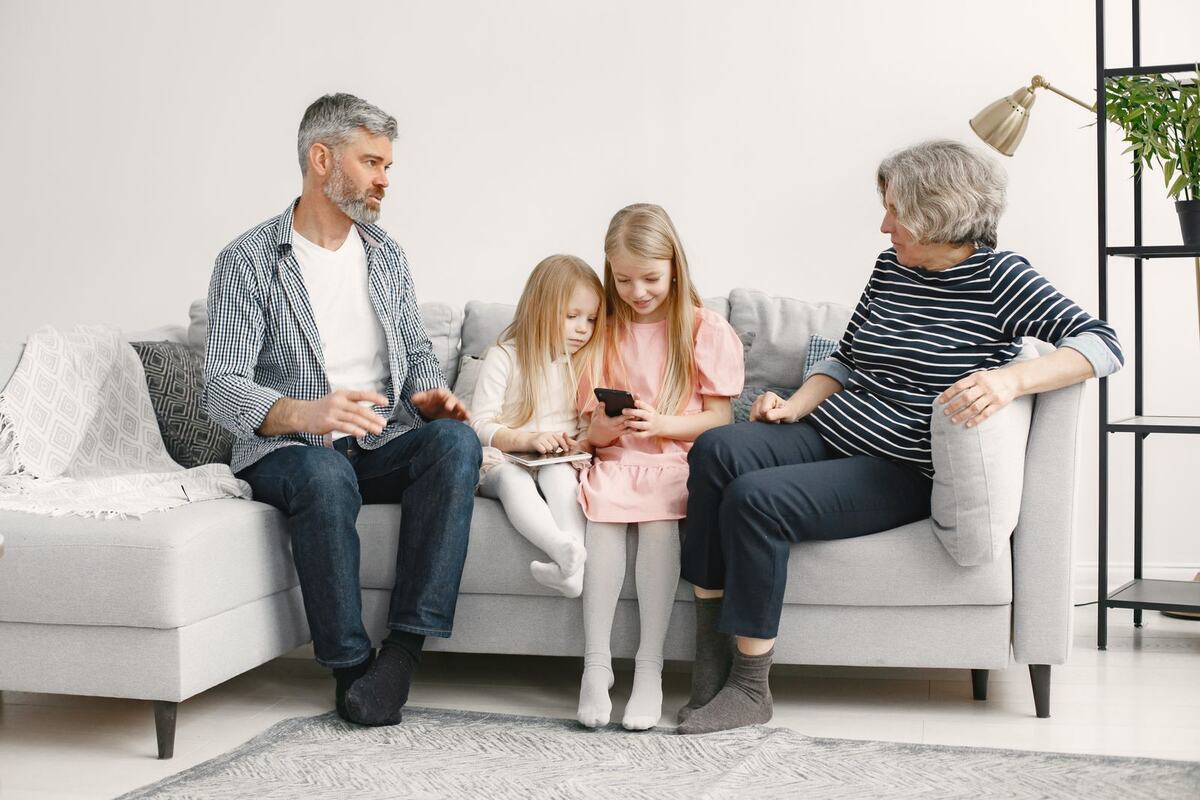
Birthdays, holidays and the whole year in the order it happened. Put your favorite moments on the living room TV.
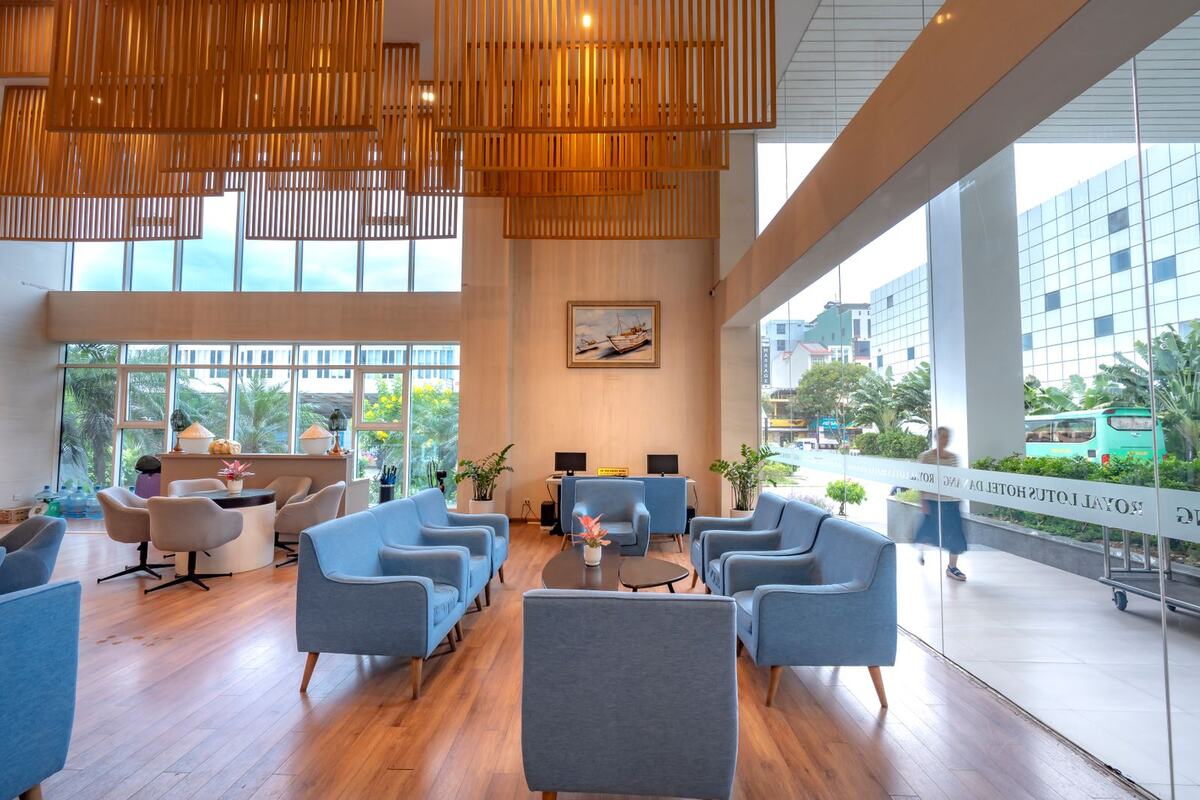
Give the waiting room and every treatment room something worth looking at, all playing in the order you chose.
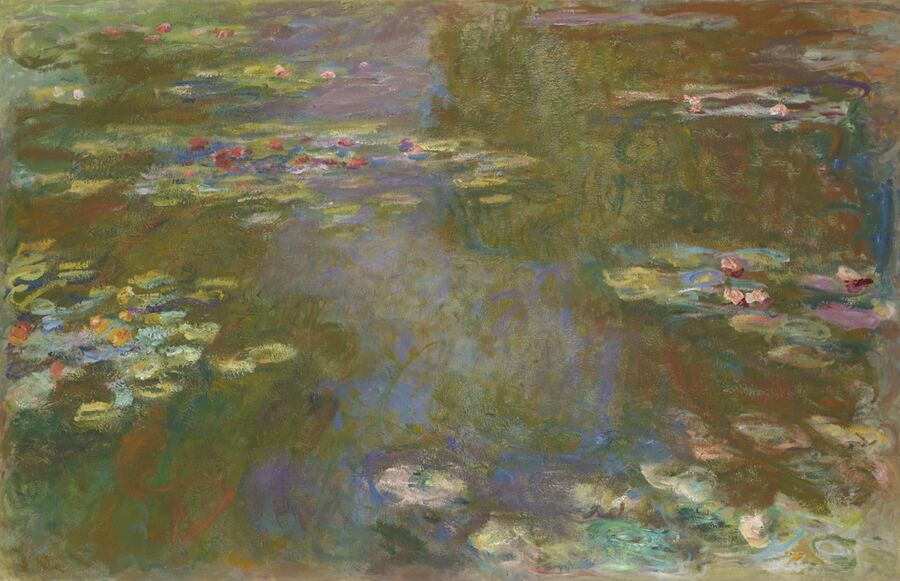
Photos, paintings, or both. The paintings below are public-domain works from the Art Institute of Chicago's open-access collection, shown as examples of what you can display.

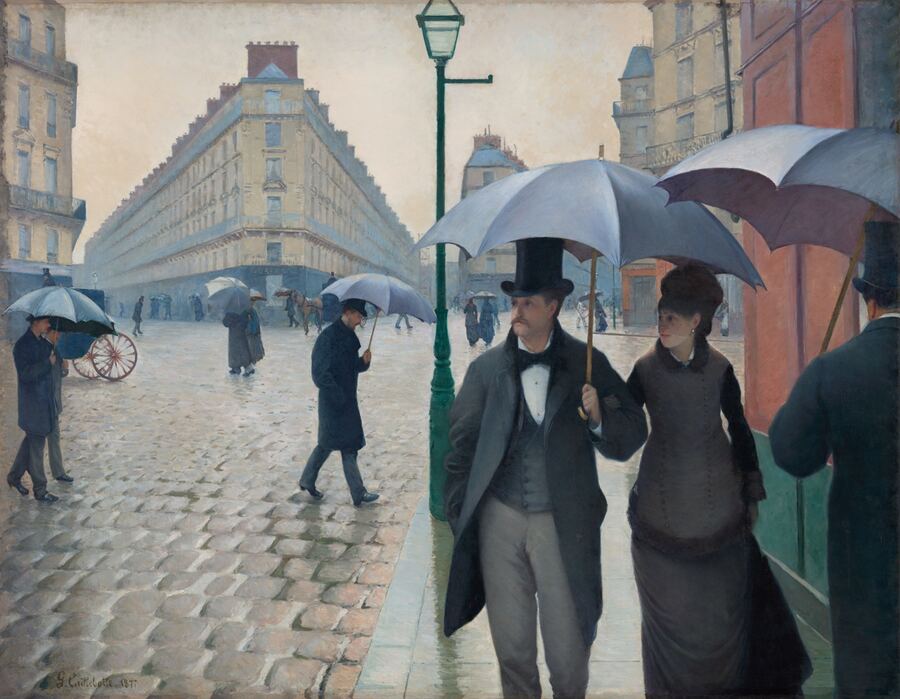
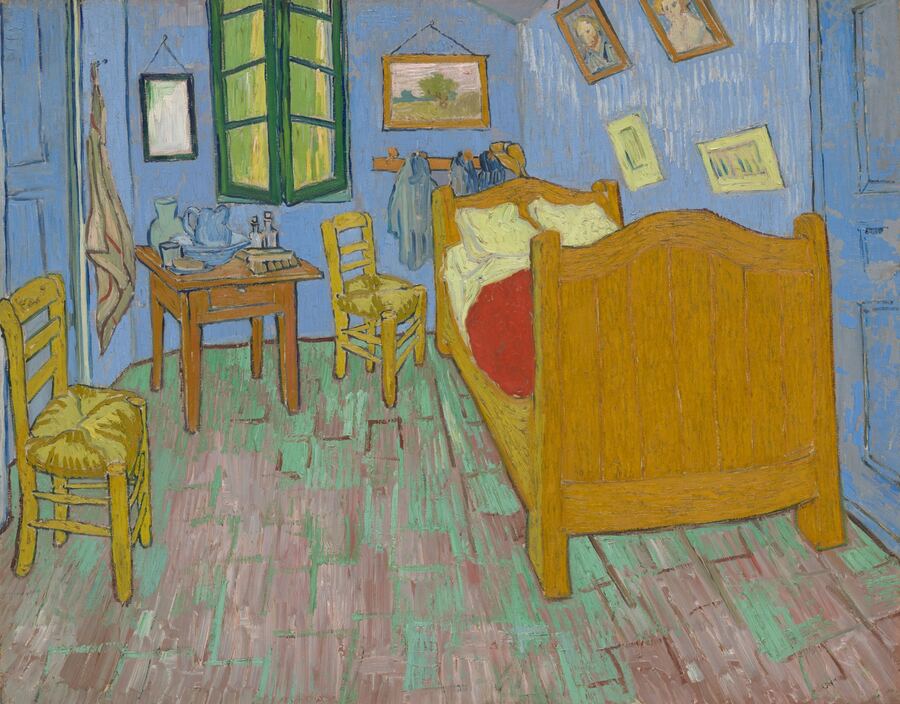
Sequence is being built for homes, offices, spas, and spaces that deserve a personal touch. Arrange once on your computer, then send it to every TV in the building.
Explore playback options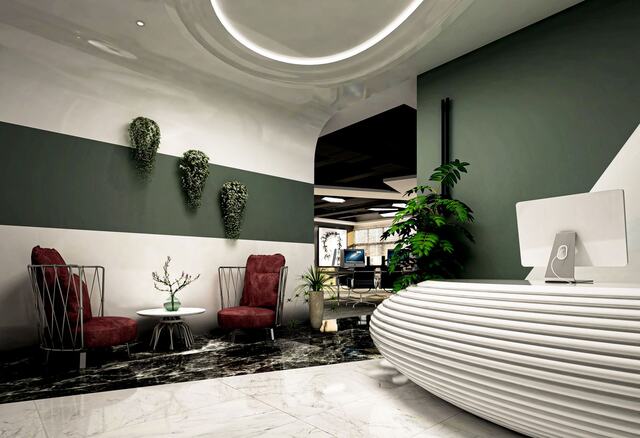 Reception
One location. One Multi account.
Sequence runs on one computer in your home or office and sends your slideshow to the TVs over your own Wi-Fi. Each TV needs one of these.
Roku TVs (TCL, Hisense, Sharp, Roku-brand) and Roku streaming sticks.
Sequence app · in testingSony, TCL, Hisense, Philips Google TVs and the Chromecast with Google TV.
Sequence app · in testingFire TV Sticks, Fire TV Cubes and Fire TV edition televisions.
Same app as Google TV · in testingAny TV with a built-in web browser opens Sequence as a web page: type one address, enter a 6-digit code, done.
Web player · available nowPlug in a Roku, Fire TV or Google TV streaming stick (about $30) and it becomes a Sequence screen. This is also the simplest way to run a dozen rooms on identical hardware.
Works todayApple TV is not supported yet. Store listings for Roku, Google Play and the Amazon Appstore are in progress; until then, early-access members install the apps with our step-by-step guide.
Planned launch pricing. First month free.
One TV at home or in reception.
Up to 15 TVs in one household or business location.
16 or more TVs in one business location.
Subscriptions are not open yet. Your photos stay on your own computer and network; Sequence does not host them.
Sequence is in testing now. Join early access and we will email you when the apps are in the Roku, Google Play and Amazon stores.
Roku, Google TV / Android TV and Amazon Fire TV have Sequence apps. Samsung, LG, VIZIO and other TVs with a web browser use the Sequence web player. Any TV with an HDMI port works with a $30 Roku, Fire TV or Google TV stick. Apple TV is not supported yet. See Which TVs work?
The Sequence app for Mac. It opens the slideshow editor and quietly shares your slideshow with the TVs from the menu bar. Your photos stay in a folder on that computer. A Windows version is planned.
Yes. Drop in HEIC photos straight from an iPhone, as well as JPEG, PNG and WebP. Sequence converts them for the TVs.
On your own computer. One computer in your office shares the slideshow with your TVs over your own Wi-Fi. Sequence does not upload or host your photos.
Single covers one TV. Multi covers up to 15 TVs at one location. Business covers 16 or more TVs at one location. Prices are per month, with the first month free.
At launch, choose a plan and add a payment method. The first month is free. Your plan is charged monthly afterward unless you cancel before the stated date.
Original lounge jazz, spa, and nature soundscapes made for Sequence, or your own MP3s. Playing personal streaming accounts in a business may require a business music license.